How to top up with Telebirr, CBE Birr or M-Pesa on Fetan Chereta
Step-by-step top-up with Telebirr, CBE Birr or M-Pesa, what to do when a payment fails or your balance does not change, and how to keep your PIN safe.
7 min read
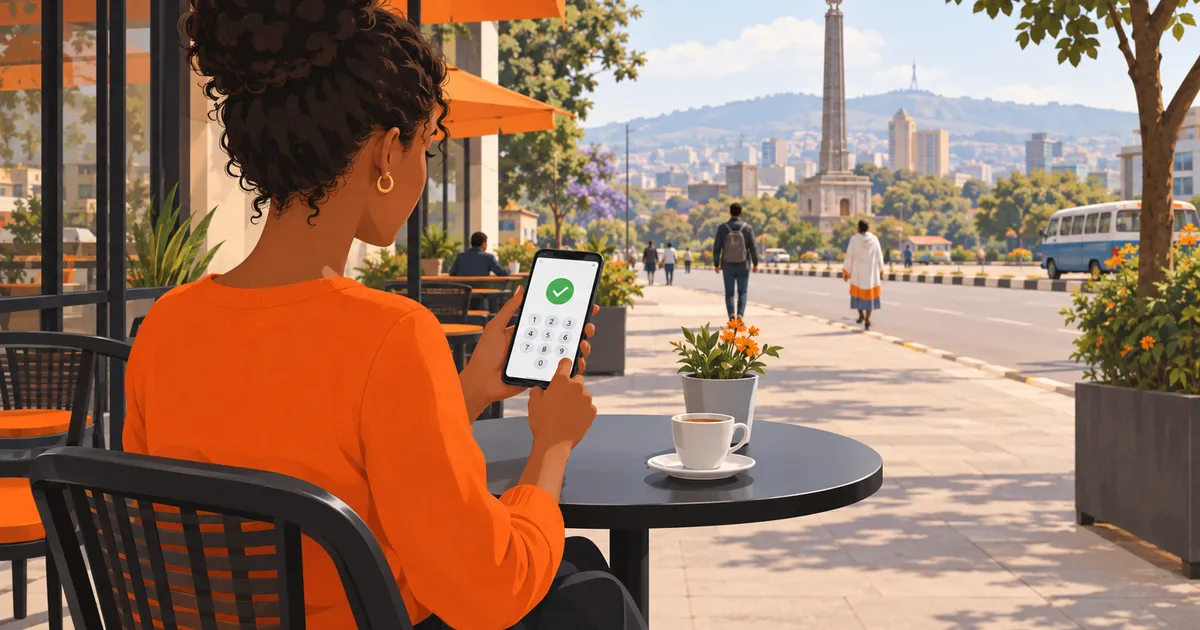
To top up Fetan Chereta with Telebirr, CBE Birr or M-Pesa, open Wallet, choose an amount from 10 to 25,000 ETB, pick your payment method and approve the request that arrives on your own phone with your PIN. The Birr reaches your wallet as soon as the payment is confirmed. If it does not show within 1 to 2 minutes, check Transactions, then message support on Telegram.
The short answers are also on the FAQ page. This guide adds the full steps, what to do when a payment fails, and how to keep your PIN safe.
How do I top up my wallet, step by step?
Every top-up starts inside Fetan Chereta, in Wallet. You never start it from a link or a number someone sends you. The steps are the same on the website and inside Telegram through @FetanCheretaBot.
- Sign in. Use your phone number and password, or open @FetanCheretaBot in Telegram and share your number once.
- Verify your number if asked. Before your first top-up there is a one-minute check of your phone number.
- Open Wallet. Tap Wallet and choose how much to add.
- Pick an amount. Any amount from 10 ETB to 25,000 ETB.
- Pick a method. Telebirr, CBE Birr or M-Pesa.
- Approve on your phone. The payment request goes to your own registered phone. Check the amount, then enter your PIN on your phone to approve it.
- Check your balance. The Birr appears in your wallet once the payment is confirmed. Your payment provider may also send you a confirmation SMS.
The approval step works like other mobile money payments in Ethiopia. Ethio telecom's own guide to paying with telebirr ends each payment the same way: you enter your PIN to confirm, and a confirmation message follows.
The M-PESA Ethiopia FAQ describes the same pattern: a confirmation screen shows the amount, the receiver and the transaction fee, and only then do you enter your PIN. Read that screen before you approve. Any fee your provider charges is set by your provider.
Short steps in Amharic: በቴሌብር ገንዘብ እንዴት እሞላለሁ?
- Wallet ይክፈቱ።
- መጠን ይምረጡ፤ ከ10 እስከ 25,000 ብር።
- ቴሌብር፣ ሲቢኢ ብር ወይም ኤም-ፔሳ ይምረጡ።
- ስልክዎ ላይ የመጣውን ጥያቄ በፒንዎ ያረጋግጡ።
- ቀሪ ሂሳብዎን ይመልከቱ።
Which payment methods can I use, and what are the limits?
You can top up with three methods: Telebirr, CBE Birr and M-Pesa. Payments go through Fetan Chereta's licensed payment partners. Each top-up can be from 10 ETB to 25,000 ETB.
| Method | Top-up amount | How you approve it |
|---|---|---|
| Telebirr | 10 to 25,000 ETB | Request on your registered phone, approve with your PIN |
| CBE Birr | 10 to 25,000 ETB | Request on your registered phone, approve with your PIN |
| M-Pesa | 10 to 25,000 ETB | Request on your registered phone, approve with your PIN |
If you have a question about another way to pay, ask support on Telegram before you send money anywhere.
What happens to my money after I top up?
Your top-up becomes Birr in your Fetan Chereta wallet. From there, the only thing taken is the service charge for each bid you place, for example 30 Birr. The service charge is shown before you confirm a bid, and it is non-refundable.
The amount you pick as your bid, such as 1.37 or 0.04, is never charged. It is only your number. If this is new to you, read why the service charge and your amount are different, or see how a chereta works from start to end.
ክፍያ አልተሳካም: what do I do if my payment failed?
First, wait. A top-up is confirmed with your bank or Telebirr, and your balance updates by itself within 1 to 2 minutes. Do not pay a second time straight away, or you may end up paying twice.
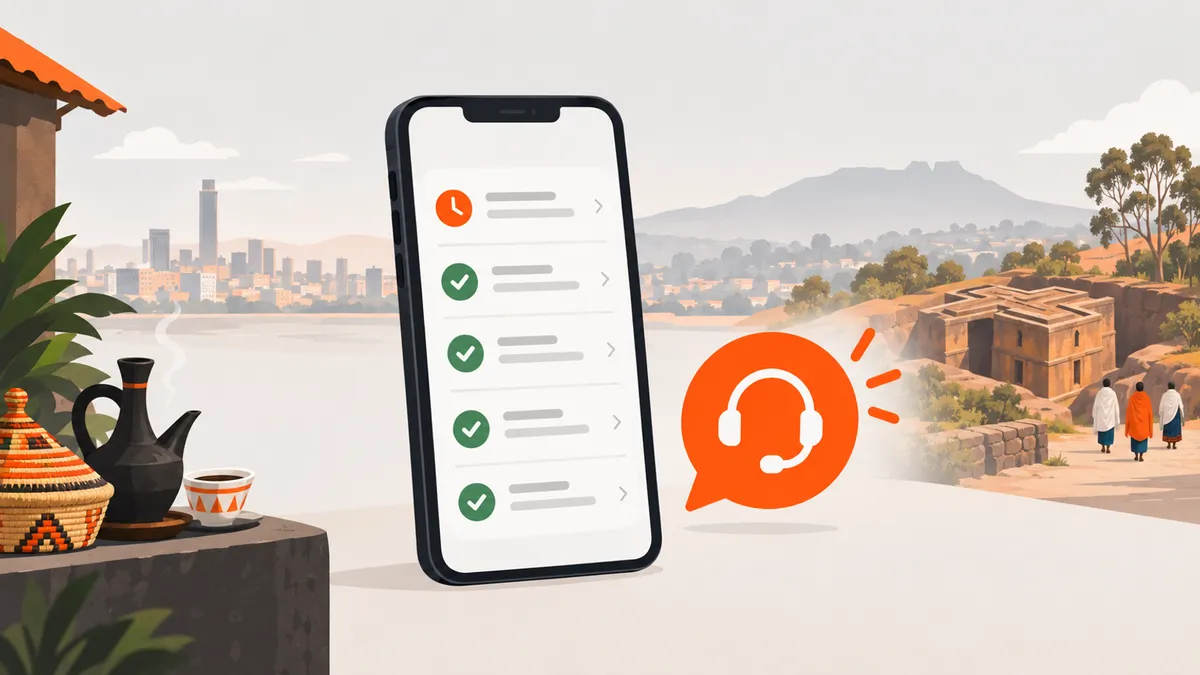
Then follow these steps in order:
- Wait 1 to 2 minutes. Keep the app open or refresh the page.
- Check Transactions. It shows whether your top-up has come in.
- Check your phone. Did the payment request arrive, and did you approve it with your PIN? A request you did not approve is not a payment. If you typed your PIN wrong several times, your provider may lock the account: M-PESA, for example, locks it after three wrong PIN entries.
- Check the right phone. The request goes to the phone number registered on your account, so look for it on that phone.
- Message support on Telegram. If the balance still does not show, write to the team through the support page. Support is open 24/7, in Amharic or English.
What should I tell support?
Give the team enough to find your payment quickly. Write your registered phone number, the method you used (Telebirr, CBE Birr or M-Pesa), the amount, and the date and time you paid. If your provider sent you a confirmation SMS with a transaction number, include that number too.
Never send your PIN, your password or the SMS code from Fetan Chereta. Support does not need them to check a payment.
I paid, but I could not bid. Why?
Look at your balance first. A bid needs enough Birr in your wallet for its service charge, and the charge is shown before you confirm. If your top-up is still waiting for confirmation, the Birr is not in your wallet yet, so wait 1 to 2 minutes and check Transactions.
If your balance shows the Birr and you still cannot place a bid, message support on Telegram with the name of the chereta and what you saw on the screen. Some cheretas limit how many bids one player can place, so the team can tell you whether that is the cause.
Is it safe to pay with my PIN?
Yes, if you enter it only on your own phone, in the payment request you started from Wallet. Fetan Chereta never asks for your Telebirr, CBE Birr or M-Pesa PIN, your password or the SMS code it sends you. Not in Telegram, and not on a call.
Payment providers give the same advice. The M-PESA FAQ tells customers never to share their PIN and says its contact centre will never ask for it.
Scammers copy names and accounts. Keep these rules in mind:
- Pay only in the app. Top-ups start from Wallet, and the request arrives on your own phone. Do not pay through a link or a phone number sent by a stranger.
- Check the handle. The only official Telegram accounts are @FetanCheretaBot and @fetan_chereta, spelled exactly like this. The official Telegram page lists both.
- Doubt surprise prizes. A message saying you won a prize you never bid for is not from Fetan Chereta. Real winners get a notification in the app and an SMS.
- Stop and ask. If someone asks for your PIN, stop and tell support.
How much should I top up?
Top up only what you are happy to spend on service charges. Every bid costs its service charge, whether or not it wins, and no method guarantees a win. Set a limit for the week or month before you start, and keep to it.
If you are not sure how a chereta feels yet, try a free practice round first. It takes 60 seconds and costs nothing.
Frequently asked questions
What is the smallest and largest top-up?
Each top-up can be from 10 ETB to 25,000 ETB, with Telebirr, CBE Birr or M-Pesa.
Can I top up inside Telegram?
Yes. Open @FetanCheretaBot, sign in by sharing your number, then go to Wallet. The payment request still arrives on your own registered phone.
Is the amount I bid taken from my wallet?
No. Only the service charge for each bid leaves your wallet. The amount you pick is just your number and is never charged.
Is the service charge refunded if I do not win?
No. The service charge is non-refundable, so set a spending limit before you top up.
Will support ask for my PIN to fix a payment?
No. Fetan Chereta never asks for your PIN, password or SMS code, in Telegram or on a call. If someone asks, stop and tell support.
Sources
How this article was written: an AI writing tool drafted it from public sources (listed above) and Fetan Chereta’s own help pages, and it was published without a person reading it first. Found a mistake? Tell us on Telegram.